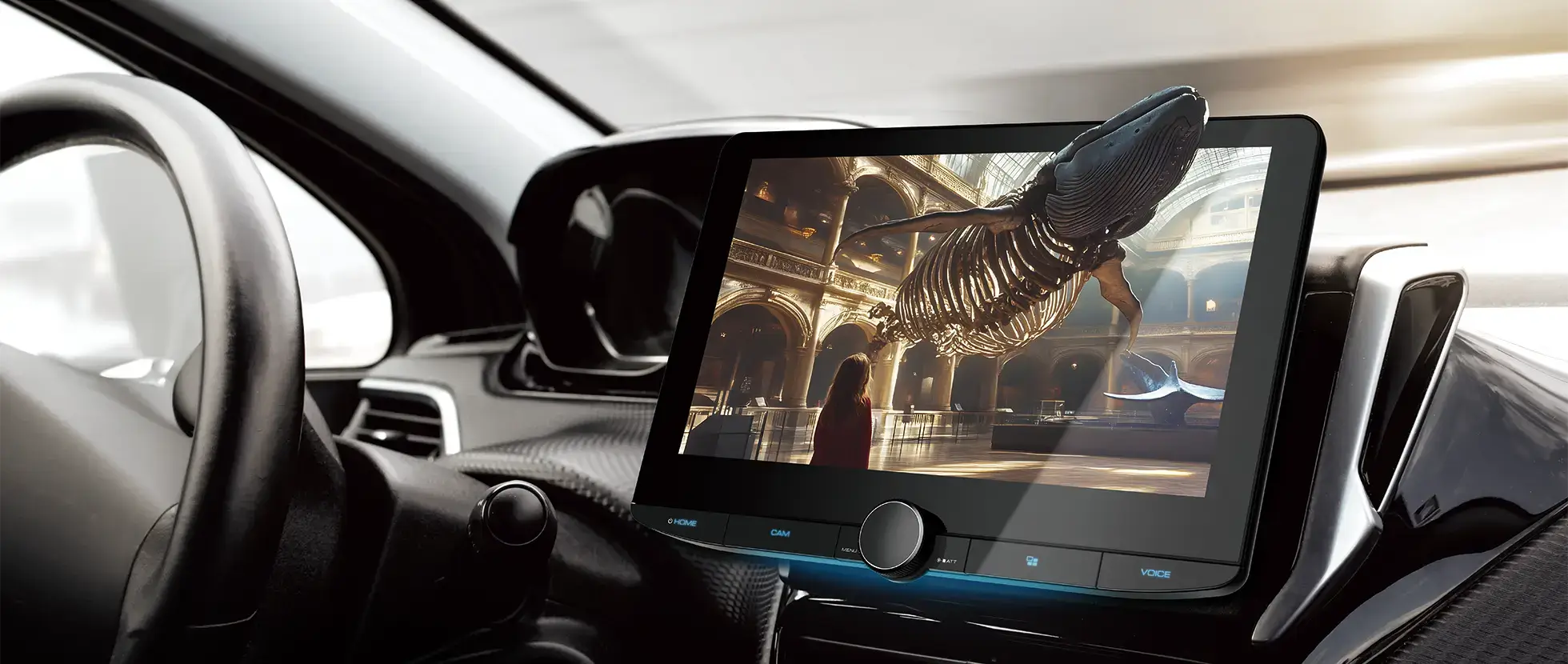
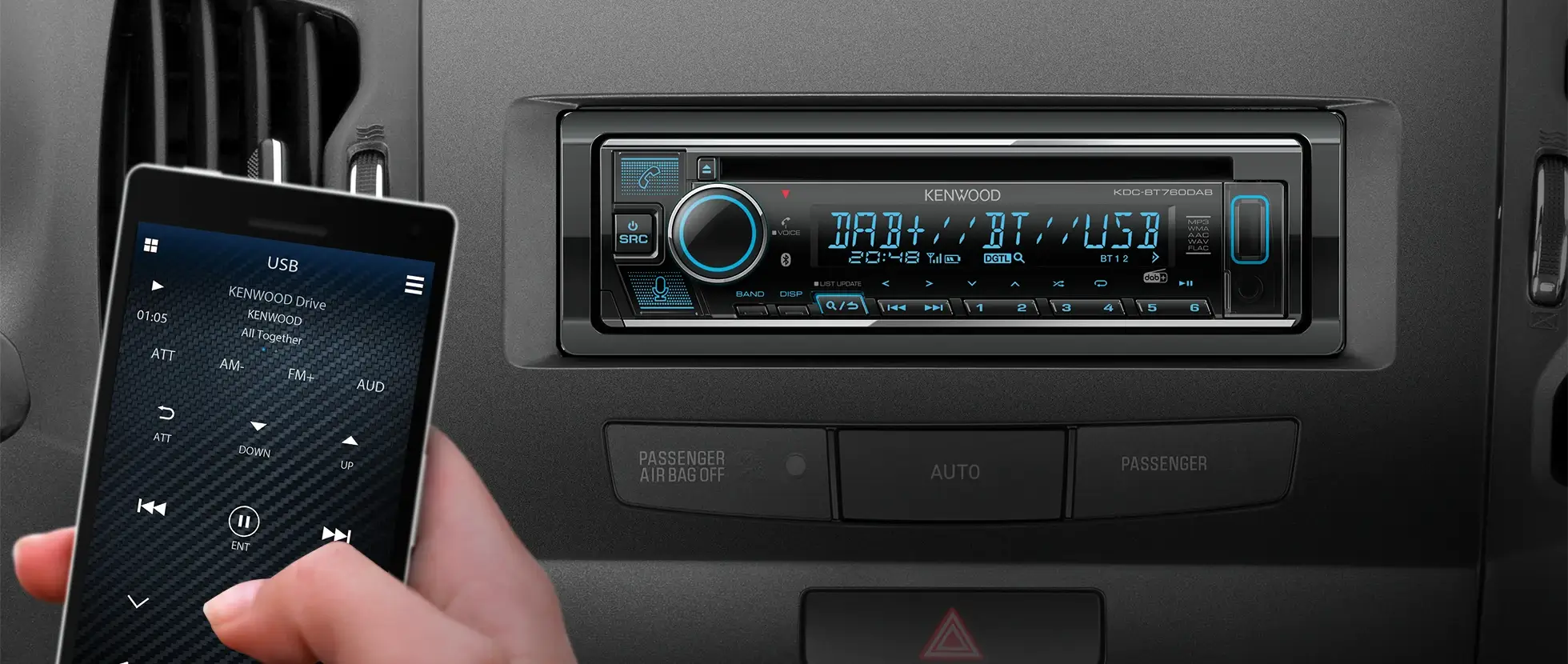





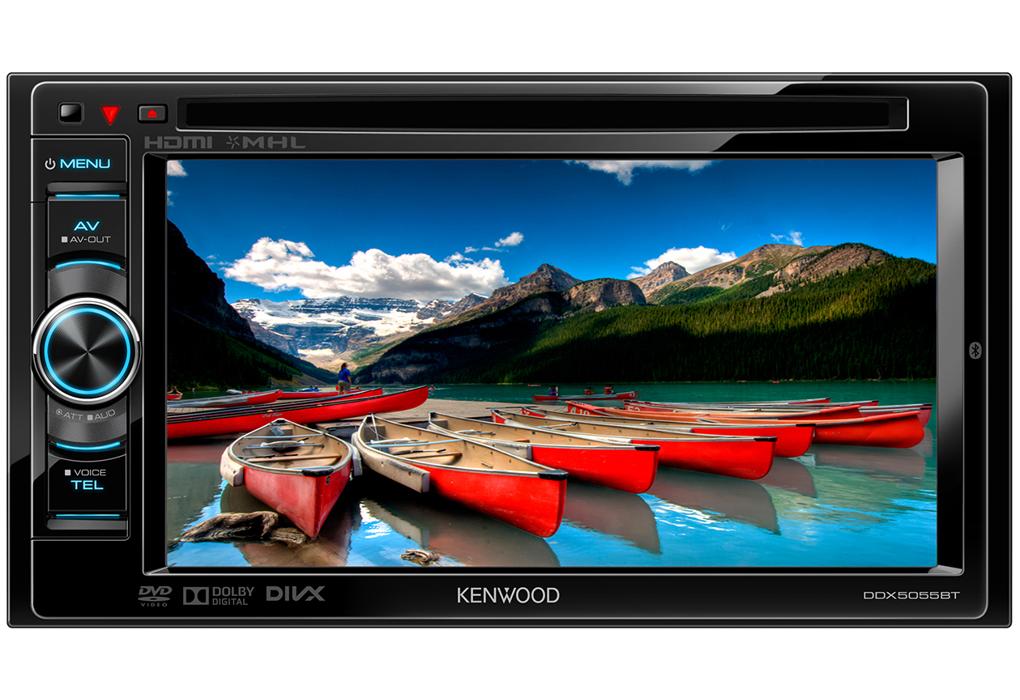
DDX5055BT
Discontinued6.1" WVGA, DVD receiver with built-in bluetooth
<h3>
Additional Information:</h3>
<hr />
<ul>
<li>
<strong>Compatibility:</strong><br />
<a href="http://www.kenwood.com/cs/ce/bt/index.php?lang=english" target="_blank"><font color="blue"><u>Bluetooth:</u></font></a><br />
Through this link you are able to check if your mobile phone is compatible with our system.<br />
<a href="http://www.kenwood.com/cs/ce/ipod/index.php?lang=english" target="_blank"><font color="blue"><u>iPod / iPhone</u></font></a><br />
On this page you can verify if your iPod / iPhone is compatible with our Multimedia system and give you an advise of witch accessory to use.<br />
</li>
<li>
<strong>Installation options:</strong><br />
<a href="/support/2din/"><font color="blue"><u>Double Din:</u></font></a><br />
If your car has a factory fitted double-DIN unit, take advantage of the following brackets and kit yourself out with a Kenwood.<br />
<a href="/support/swrc/"><font color="blue"><u>Steering Wheel Remote Control:</u></font></a><br />
We now offer you the opportunity to control your Kenwood head unit using the factory-installed remote controls mounted on the steering wheel of your car.<br />
</li>
<li>
<strong>Up 2 Date:</strong><br />
Kenwood is continuously improving its products. The following page lists <a href="/up_2_date/car/"><font color="blue"><u>all updates</u></font></a> available for your device.<br />
</li>
<li>
<strong>Specifications for audio, video en picture files:</strong><br />
Here you can find all <a href="http://www.kenwood.com/cs/ce/audiofile/" target="_blank"><font color="blue"><u>detailed technical information</u></font></a>.</li>
</ul>
<h3>
</h3>
<p>
</p>
<h3>
Additional Software:</h3>
<hr />
<table border="0" cellpadding="1" cellspacing="1" height="149" width="402">
<colgroup>
<col width="60" />
<col width="10" />
<col width="430" />
</colgroup>
<tbody>
<tr>
<td>
<img alt="" src="http://www.kenwood.nl/WebFiles/Images/web/eu/download/software/SmartPhone-controle.gif" style="width: 60px; height: 60px; border-width: 0px; border-style: solid; float: left;" /></td>
<td>
</td>
<td>
<p>
<strong>KENWOOD Smartphone Control</strong><br />
KENWOOD Smartphone Control is an application to operate & control the Android device from the touchscreen control panel of the KENWOOD Multimedia Receiver.<br />
The Android device must support the Bluetooth HID Profile.</p>
<p>
</p>
<ul>
<li>
<a href="https://play.google.com/store/apps/details?id=com.jvckenwood.HID_ThinClient.KWD&hl=nl" target="_blank"><font color="#0000ff"><u>Download</u></font></a> the free app</li>
</ul>
</td>
</tr>
</tbody>
</table>
<p>
</p>